Pinterest Automation for Teachers Who Sell Printables
Pinterest is where teachers and parents look for worksheets. This Make.com kit writes pin captions and posts on a schedule, so your printables keep getting found.
Pinterest is one of the biggest sources of visitors for teacher websites, ESL Block included. Teachers and parents search it for “free kindergarten worksheets” and “ESL vocabulary” every day. The catch is that it rewards accounts that pin steadily, and pinning by hand every day is a chore.
This kit uses Make.com and AI to write keyword-rich pin descriptions and post on a schedule from a Google Sheet. If you sell worksheets on Etsy or TpT, or you run a teaching blog, here’s how it can fit your week.
How teachers can use it
- Worksheet sellers: pin each printable to grade-level boards on a steady schedule.
- ESL bloggers: keep older vocabulary and grammar posts circulating.
- Seasonal content: line up Christmas, Halloween and back-to-school pins weeks ahead.
- Tutors: pin free resources that lead parents back to your booking page.
💡 Pinterest treats a new image as a fresh pin, so make two or three different designs for your best posts instead of pinning the same picture again and again.
Disclosure: ESL Block may earn money if you buy through the Etsy links on this page. It doesn’t change the price you pay.
What’s in the kit
Pinterest can flood Etsy shops and blogs with buyers, but manual uploading, board picking, keyword writing, and daily scheduling devour hours most sellers simply don’t have. Algorithms reward consistency—miss a week and impressions nosedive.
The Pinterest Automation Blueprints kit (a $6.49 instant download on Etsy) promises to handle the heavy lifting: AI writes keyword-rich captions, Make.com pins up to six times per day, and you never touch Canva or Tailwind again. If you can copy-paste, you can launch the whole workflow in under an hour.
Click here to grab the Pinterest Automation Blueprints on Etsy
Product Overview – What Exactly Is the Pinterest Automation Blueprints Kit?
Sold by DigitalHustleCo, the bundle is not a Chrome extension or paid SaaS. You receive:
- 4 pre-built Make.com scenarios (JSON blueprints)
- Google Sheets template for keywords, board URLs, and posting times
- Step-by-step PDF + video walkthroughs
- Royalty-free image folder structure you duplicate in Drive
How it works:
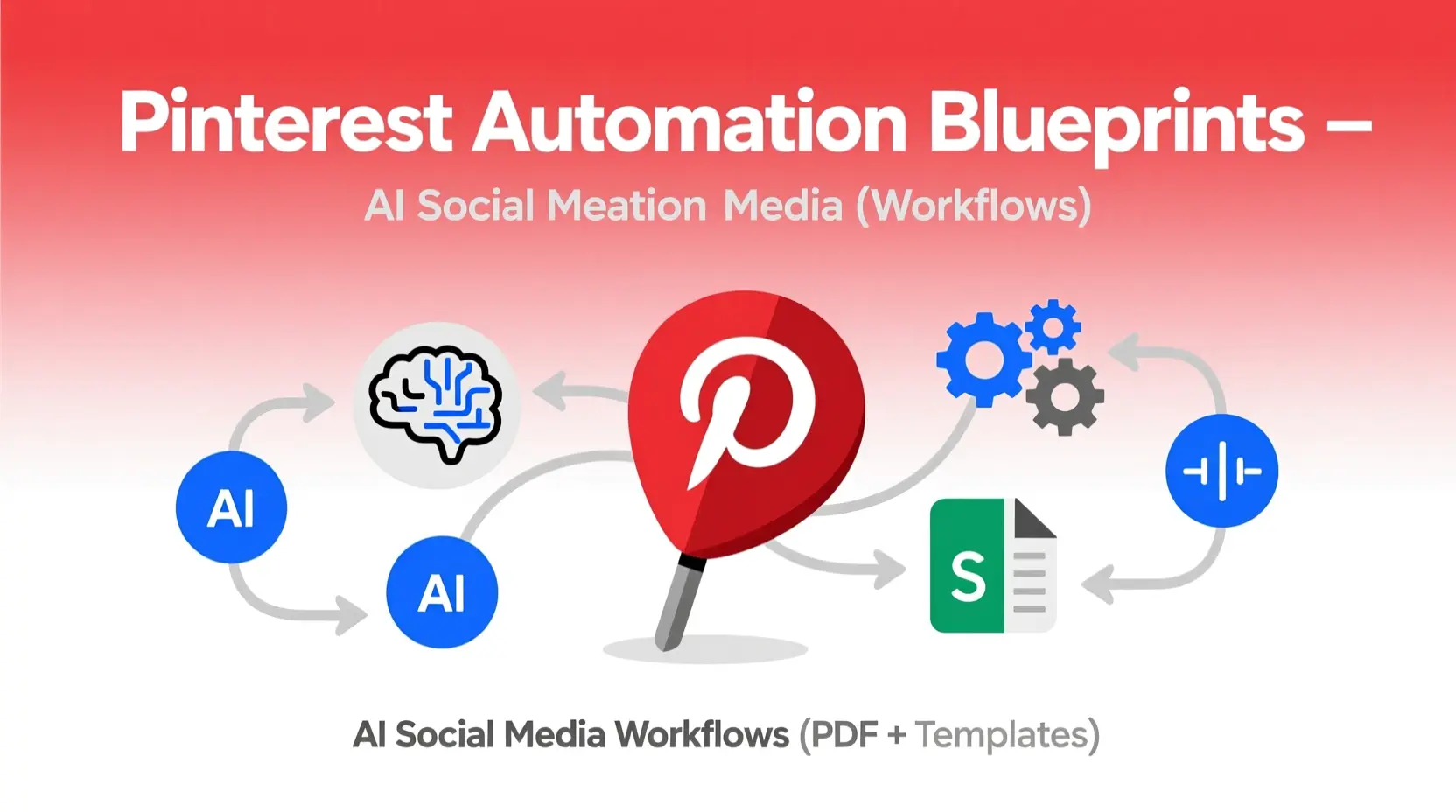
- Etsy product images & titles OR Drive folder graphics are scanned.
- Gemini AI spins SEO-friendly pin descriptions with 2-3 long-tail keywords.
- Make.com schedules and auto-pins to designated boards (up to 6× daily).
- Tracker sheet updates status, pin URL, and impression count via Pinterest API.
Zero coding, zero monthly fees, and unlimited pins across unlimited accounts.
What’s Inside the Kit – Component Breakdown
Pinterest Board Finder Blueprint
- Scrapes your Pinterest profile for existing board names & IDs—saves manual lookup.
Etsy Product Image & Data Fetcher
- Hooks to Etsy API, pulls listing images, titles, tags, and price—perfect for store owners.
Google Drive Image Fetcher
- Grabs JPG/PNG from a specified folder—ideal for bloggers, coaches, or digital products.
Pinterest Auto-Pinning with AI Descriptions
- Writes 150-200 word captions, adds ALT text, destination URL, and publishes at set intervals.
Google Sheet Template
- Drop keywords, choose boards, set date/time, select image source (Etsy or Drive).
PDF Guide + Video Tutorials
- 28-page illustrated booklet; 5 videos (total 32 min) covering API creation, board mapping, and troubleshooting.
Key Features – Why It Stands Out
- AI-written Pinterest descriptions – Gemini inserts trending keywords, emoji, and a CTA automatically.
- Auto image sourcing – pull from Etsy listings OR bulk-upload to Drive; no manual download-upload.
- Auto-pinning up to 6 posts per day – spaced intervals mimic organic activity, boosting reach.
- Scalable workflows – duplicate scenario for 20 client profiles; no extra license.
- Hands-free operation – set sheet once, let Make.com loop daily.
- Beginner-friendly setup – copy JSON, paste API keys, follow click-by-click videos.
Benefits & Use Cases – Real-Life Impact
- Etsy Sellers
New listings auto-pin within hours, driving targeted buyers straight to product pages. Seller reports 38% increase in shop visits after 30 days. - Bloggers & Affiliates
Each blog post graphic pins to multiple boards (SEO board, niche board, seasonal board) multiplying impressions and referral traffic. - Social Media Managers
Manage 10 client Pinterest accounts from one Google workbook—charge $199/mo for “automated pinning service.” - Coaches & Course Creators
Batch 90 inspirational quote graphics in Canva, upload to Drive, and drip one pin daily while you teach. - Print-on-Demand Stores
Auto-pin trending holiday designs starting in July—capture early search volume without remembering to post.
What You’ll Receive – Quick List
- PDF guide (28 pages)
- Google Sheet template
- 4 JSON Make.com blueprints
- Video tutorial links (streamable)
- Instant digital download—no shipping, no waiting.
Pros & Cons – Honest Review
Pros
- Ridiculously cheap—less than a coffee.
- Complete Pinterest auto pinning system.
- AI Pinterest automation captions beat writer’s block.
- Scales to unlimited accounts.
- Lifetime updates re-download on Etsy.
Cons
- Requires free Make.com account; heavy users may need $9/mo plan.
- Initial 45-minute setup (not 5-minute plug-and-play).
- Images must be 2:3 ratio for best performance (not square).
Conclusion + Call to Action – Automate or Stay Stuck Manual
If you’re serious about Pinterest marketing but tired of daily uploads, the Pinterest Automation Blueprints kit is the smallest investment with the biggest payoff you’ll make this year. For $6.49, you unlock AI-powered captions, seamless Etsy-to-Pinterest pinning, and hands-free scheduling that keeps your account fresh 365 days a year. Stop choosing between crafting products and promoting them—do both.
Click here to grab the Pinterest Automation Blueprints on Etsy and transform your Pinterest strategy today with AI-powered social media automation—your future traffic will thank you.
More from ESL Block
ESL Block is a free English learning site with vocabulary lists, grammar guides and printable worksheets. If you teach, these are good places to start:
- Christmas Vocabulary: 50 Christmas Words in English
- Free Alphabet Trace and Write Worksheets
- Simple Past Tense, with Examples
- More Teacher Tools